How To Make An Offer.
Found a property you’d love to call home? Making an offer through Andrew Granger & Co is quick and straightforward.
You can submit your offer securely through your Buyer Portal at any time, or contact your local Andrew Granger & Co office during opening hours. Once we’ve checked the details provided, we’ll put your offer forward to the seller and keep you updated on the outcome.

Step 1: Log in to your Buyer Portal or App on Street
Offers are submitted through your secure Buyer Portal. If you haven’t activated your account yet, you’ll need to do this before you can make an offer online.
You can access your portal through your computer or via the mobile app, giving you flexibility to manage your property search wherever you are.
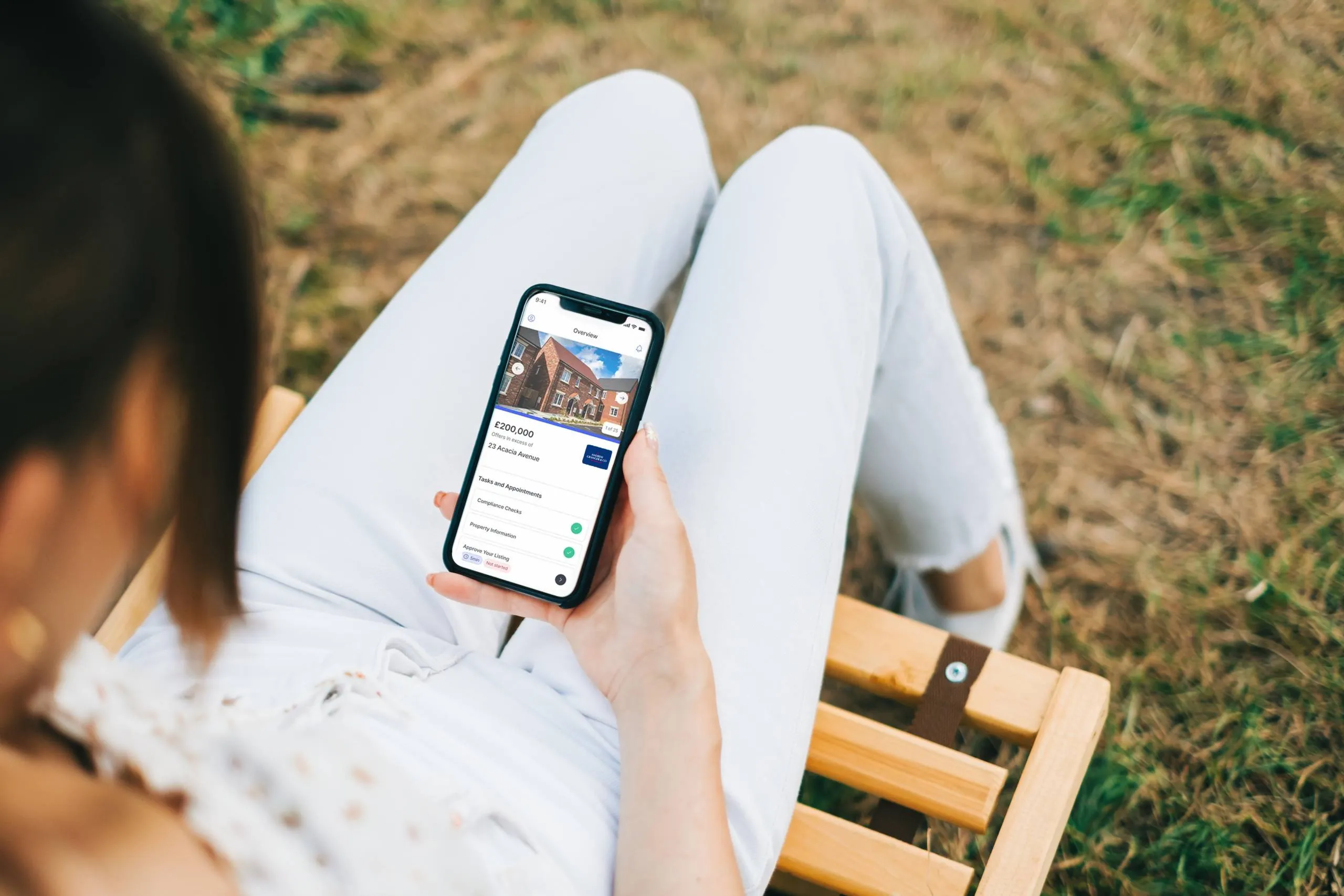
2. Select the correct property.
Find the property you’d like to make an offer on and open its details in your Buyer Portal.
Before proceeding, double-check that you’ve selected the correct property and address.

3. Submit your offer.
Select 'Make an Offer' within the property page and enter your proposed purchase price.
You'll also have the opportunity to include any important information that supports your offer, such as:
- Your preferred timescales
- Whether you're a cash buyer or require a mortgage
- Any conditions attached to your offer
- Fixtures, fittings or items you'd like included in the sale
Taking a few extra moments to complete these details can help us present your offer clearly to the seller.

4. Complete your buyer checks.
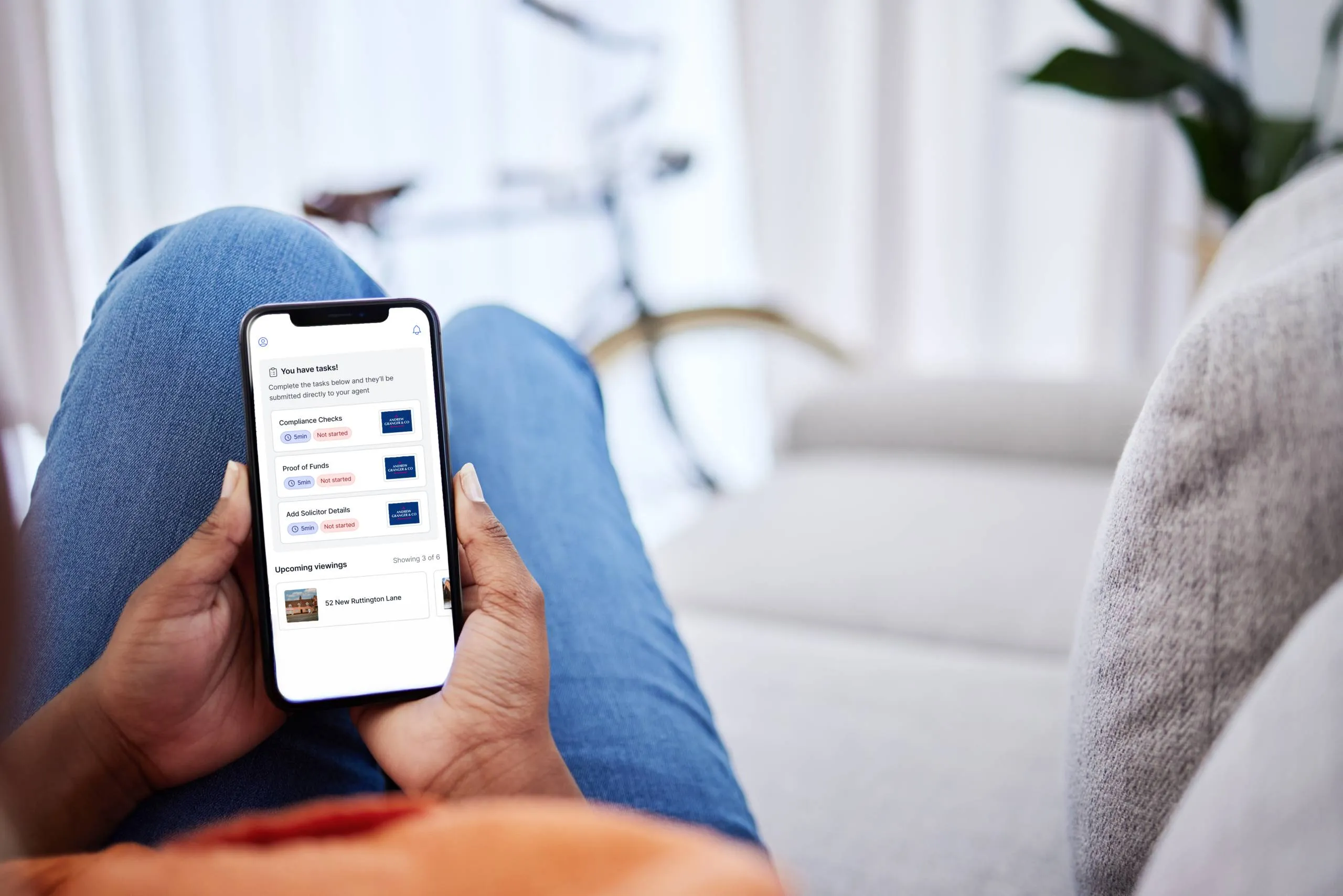
Once your offer has been submitted, check your Buyer Portal for any outstanding tasks.
You may be asked to provide information such as proof of funds. If your offer is accepted, further details may be required, including your solicitor's information and other compliance documentation.
Completing these steps promptly can help keep your purchase moving forward.
Ready to make an offer?
Found a property you're interested in? Let's put forward an offer and help secure it for you.
Once we’ve reviewed and verified your offer and supporting information, we’ll present it to the seller as soon as possible.
The seller will then decide how they wish to proceed. As soon as we receive their response, a member of our team will contact you to let you know the outcome and talk you through what happens next.